

Full View
Similar items
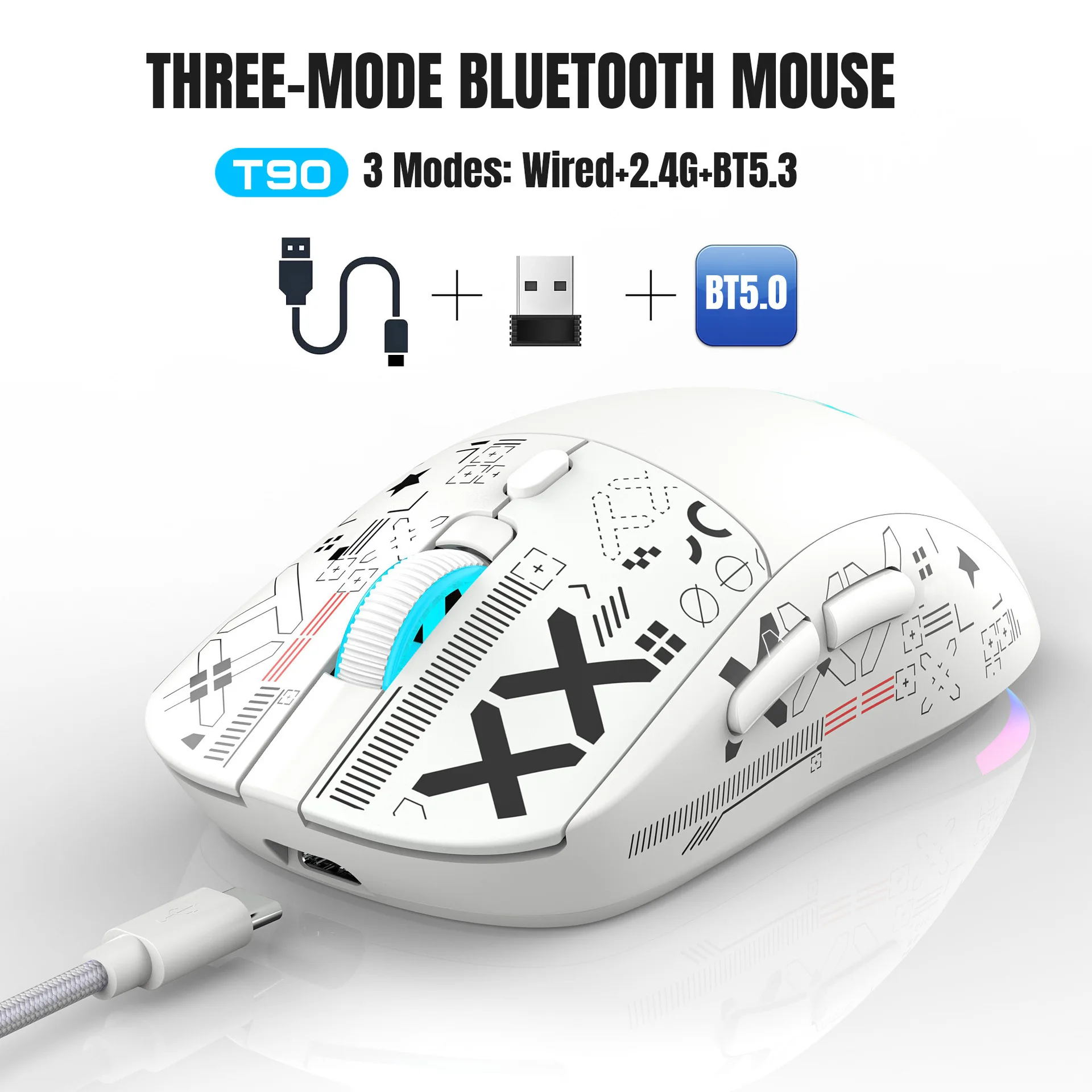
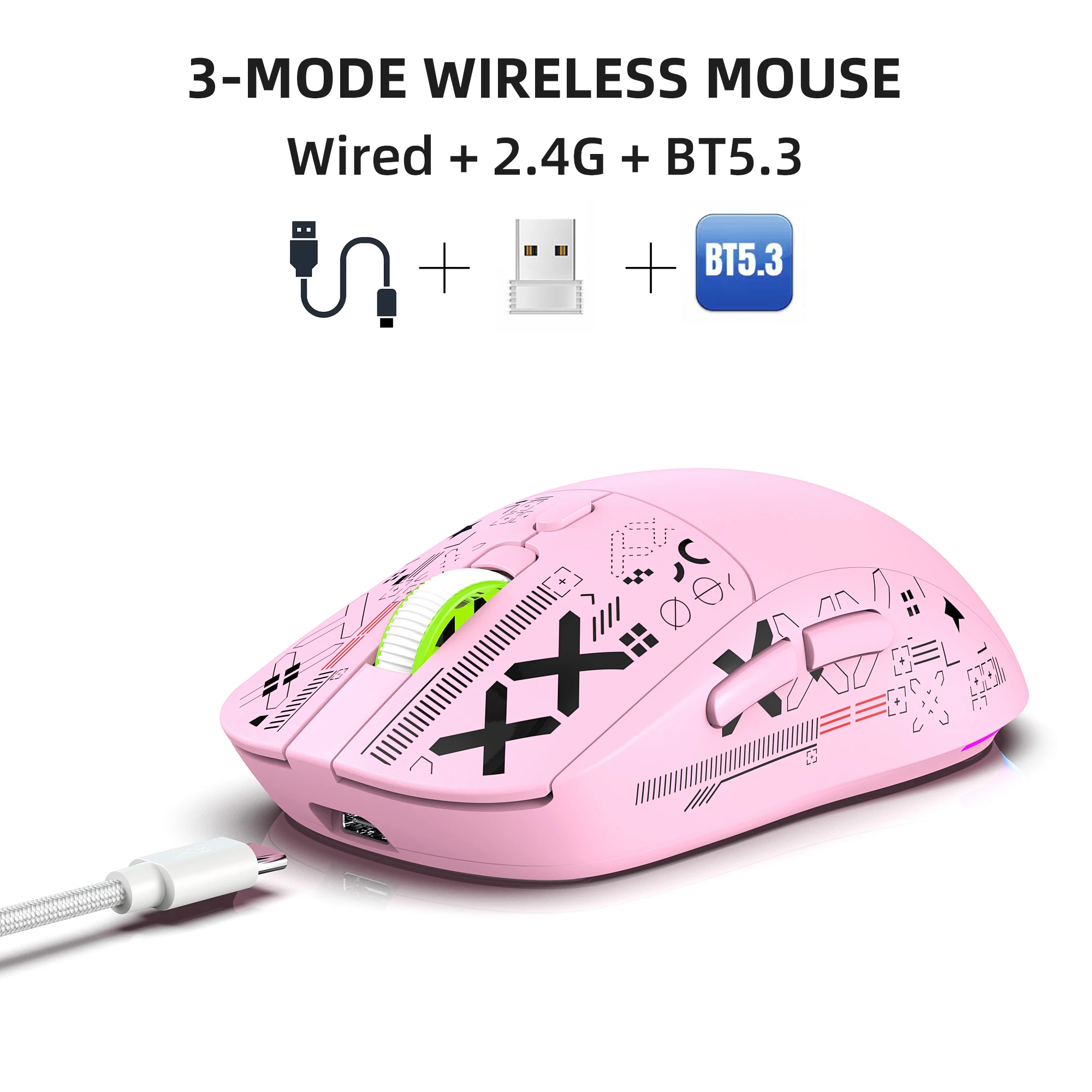
3 Modes Bluetooth Gaming Rechargeable 2.4G USB Wireless RGB Backlight Mouse For IPad Tablet Laptop Computer
AU$38.66AU$48.70
Color : Black
Quantity :

Report
Include copyright infringementFree Standard Shipping. See details
Estimated between Sun, Jul 12 and Mon, Jul 20
You can return the product within 30 days of receipt. See details
Shop with confidence

Money Back Guarantee
Get the item you ordered or your money back. Learn more
About this item
Sourced from TechNex
Seller assumes all responsibility for this listing.Item number: 39287771
Item specifics
Size
Full-size
Key type
Mechanical Switches
Switch Type
Linear, Tactile, Clicky
Compatibility
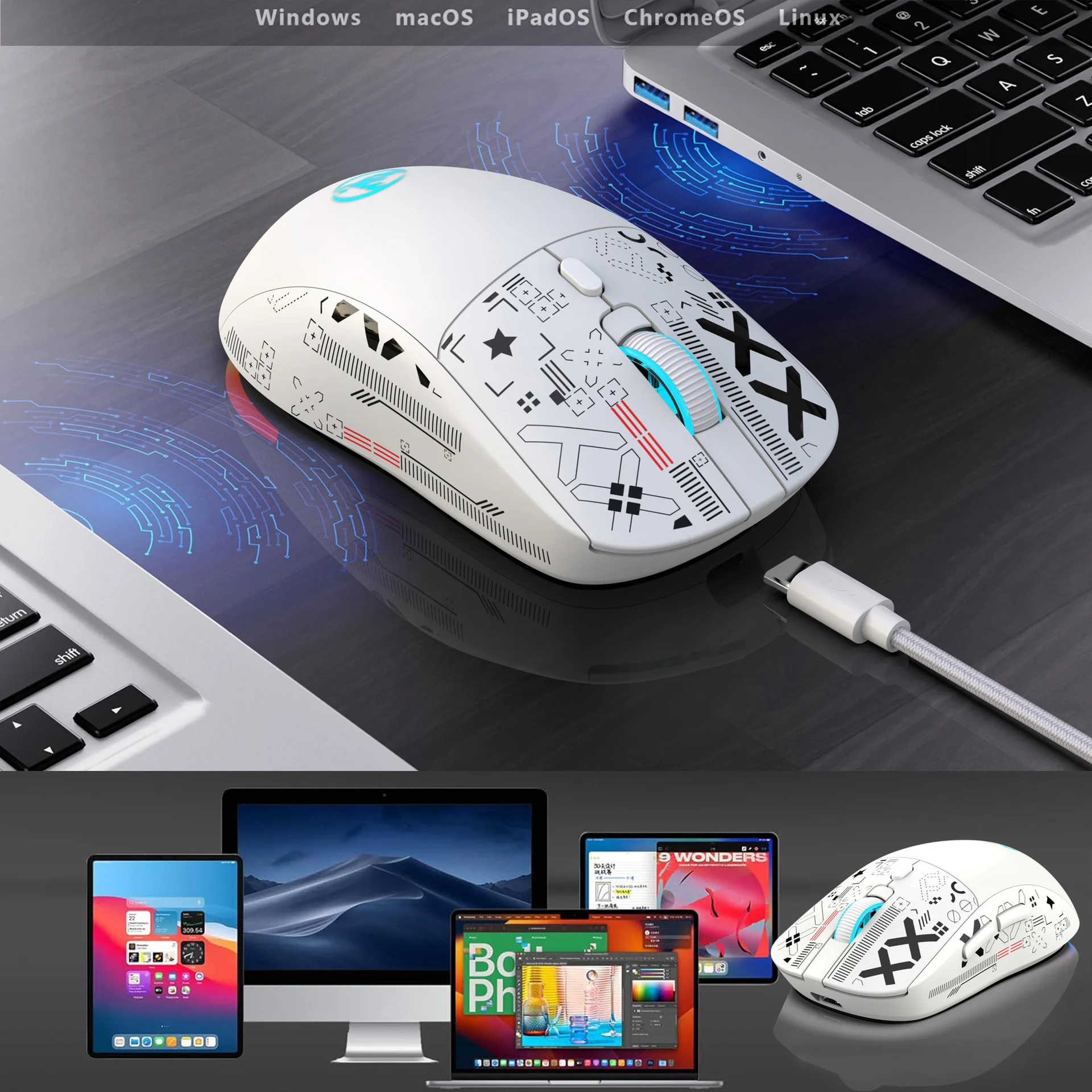
Windows, macOS, Linux
Connected devices
1
Illuminated Keys
YES
Connectivity
Bluetooth, Logi Bolt USB
USB Type
USB-A
Logi Options
Yes
Item description from the seller
Technical Parameters:
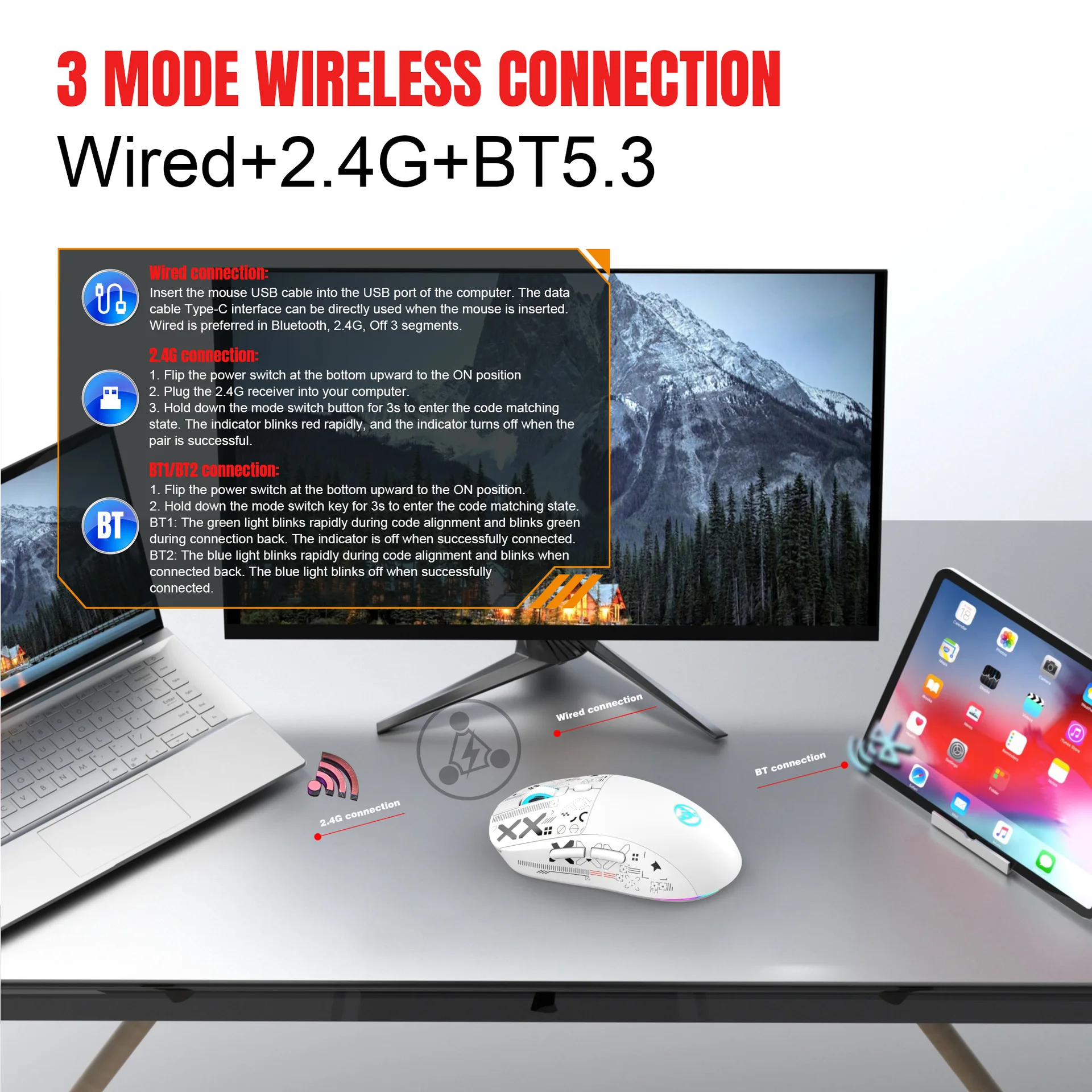
1.3 Modes: 2.4G Wireless+BT 1+BT 2
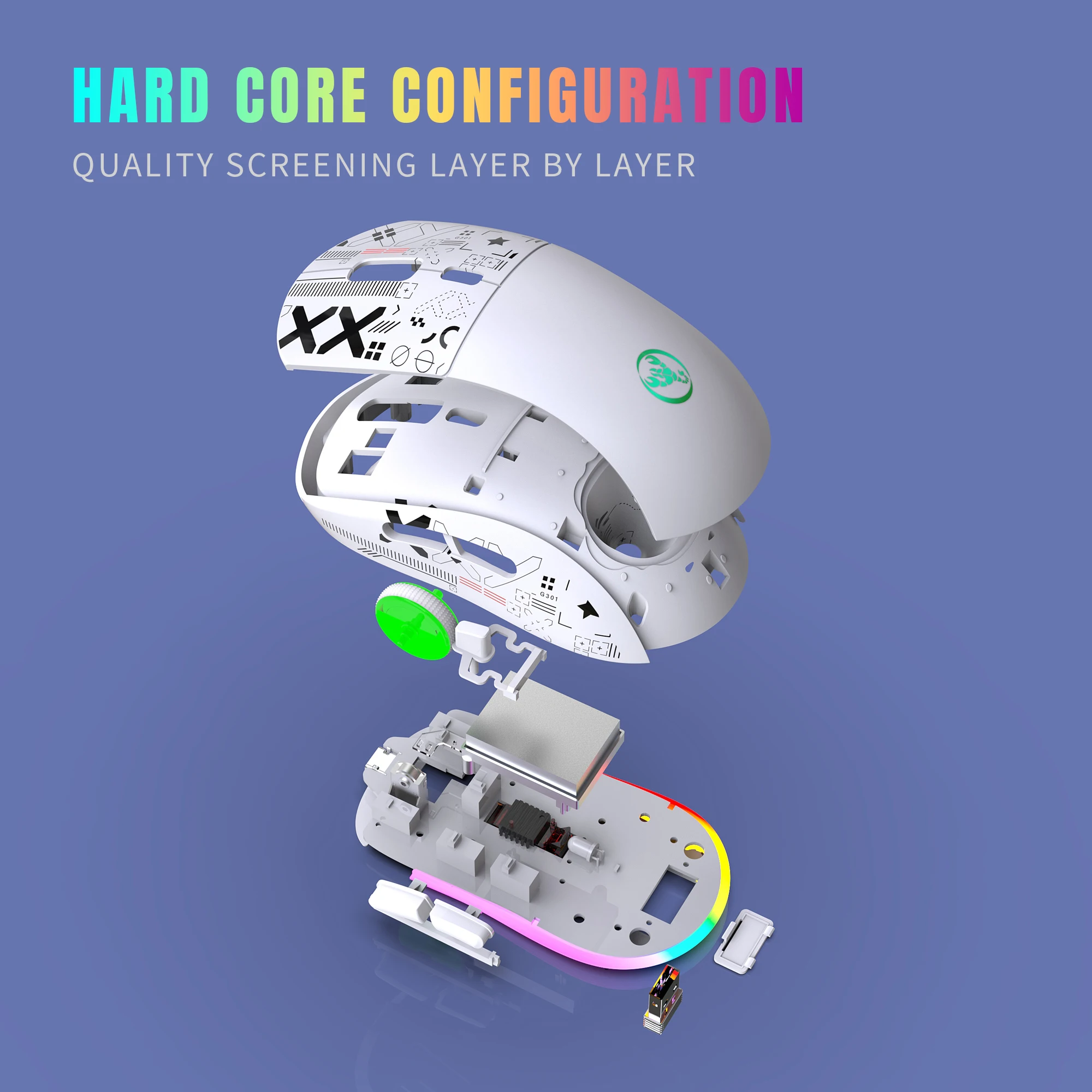
2.Rechargeable: 750mAh Built-in Rechargeable Battery
3.Accurate tracking: PAW3212 PIX professional IC positioning accuracy
4.10M Wireless Receiving Distance
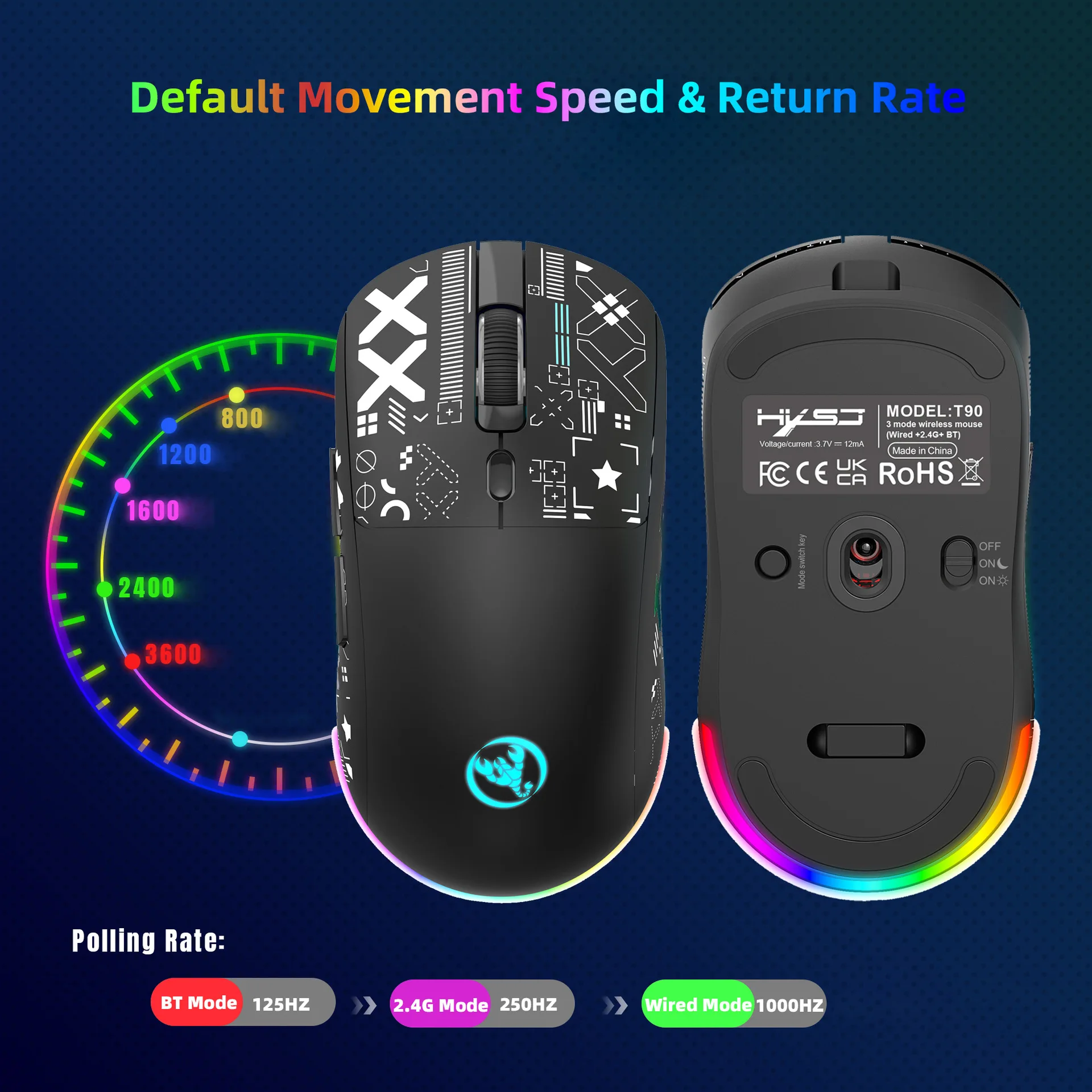
5.Five-speed DPI adjustment design, maximum 3600 dpi.
6.10 million times Mute switch design (Left and Right Buttons)
Adopting water transfer printing design, it has a fashionable appearance and comfortable grip.
8. Light mode: RGB and other 12 lighting modes, long press DPI for three seconds to switch between 12 lighting modes, including off light mode.
Product Parameters:
Brand/Model: HXSJ/T90
IC: PixArt 3212
Rate of return: 125HZ
Movement speed: 30IPS
Refresh rate: 4800FPS
Acceleration: 10G
Operation Mode: Opto-electronic
Type: 2.4 GHz/BT1/BT2
Power Type: Rechargeable
Number of keys: 6 keys
Key life: 10 million switches
Light type: 12 Lighting Modes
Wireless distance: 10m
Battery capacity: 750mAh
DPI: 800-1200-1600-2400-3600
Rated voltage / current: 3.7V / 15mA
Pro
duct weight: 101g
Product size: 12.8 * 6.3 * 4cm
Package weight: 142g
Package size: 13.5*8.5*4.7 cm
Package includes :
1 x 2.4G/BT1/BT2 Wireless Mouse
1 x USB Receiver
1 x Type-C Charging Cable (80CM)
1 x Instruction manual
Applicable system:
In BT mode:
Windows (Windows XP / Vista / 7 / 8 / Server 2003 / 2000 / Win10, etc.) Android (Android 4.3 and above) Mac OS (mac OS 10.10 and above is recommended).
In 2.4G mode:
Suitable for desktop computers, notebook computers, smart TVs with USB interface, etc.
Sleep mode:
After the mouse is stationary, it immediately goes into a light sleep mode.
2: After 1.5 minutes of mouse inactivity, enter intermediate sleep mode and turn off RGB lights.
3: Pause the mouse for 10 minutes to enter deep sleep.
HOW TO USE:
USB 2.4G mode connection steps:
1. Set the mouse switch to ON.
2.Plug the receiver into the computer's USB port.Press the mode button once. The red LED flashes and the installation is done automatically.
BT Mode:
Press the button for 3 seconds and the green light flashes quickly, indicating that the Bluetooth mode is activated and you can search for connections.
BT Mouse1 connection mode steps:
1.Turn on the BT icon on your computer.
2.Turn on the mouse power switch, press the mode switch twice, the second mode light turns green and flashes rapidly.
3.Enter BT Mouse 1 BT Wireless connection mode for pairing.
BT Mouse 2 connection mode steps:
1.Turn on the BT icon on your computer.
2.Turn on the mouse power switch, press the mode switch 3 times, the third mode light turns blue and flashes rapidly.
3. Enter BT Mouse 2 Wireless connection mode to select pairing.